01 / Facts
At a glance
Current as of version 1.5.10. If a download says otherwise, the download is right.
| Product | copypaster (always lowercase) |
|---|---|
| What it does | Types a block of text into whichever application has focus, as simulated keystrokes rather than a clipboard paste, with adjustable speed and human-like timing. |
| Version | 1.5.10, released 2 October 2026 |
| Platforms | Windows 10 and 11 (64-bit), macOS 11+ (Apple Silicon and Intel), Linux x64 |
| Trial | 5 typing runs, all features, no card |
| Pricing | Personal EUR 4.99/month or EUR 29/year (2 devices). Pro EUR 9.99/month or EUR 69/year (unlimited devices). Lifetime EUR 99 one-time. |
| Developer | Independent developer, Ireland |
| Founded | 2026 |
| Website | https://copypaster.app |
| Download | https://copypaster.app/#download |
| Contact | [email protected] |
02 / Copy
Descriptions
Use these as they are, or trim them. Please keep the name lowercase.
Types your pasted text as realistic simulated keystrokes.
Desktop app that types your text into any application as simulated keystrokes at a human pace, for fields that do not accept pasted text.
copypaster is a desktop utility for Windows, macOS and Linux that types a block of text into whichever application has focus, as simulated keystrokes rather than a clipboard paste. Adjustable speed, human-like timing, and an optional realism mode. Useful where paste is unavailable, and for screencasts.
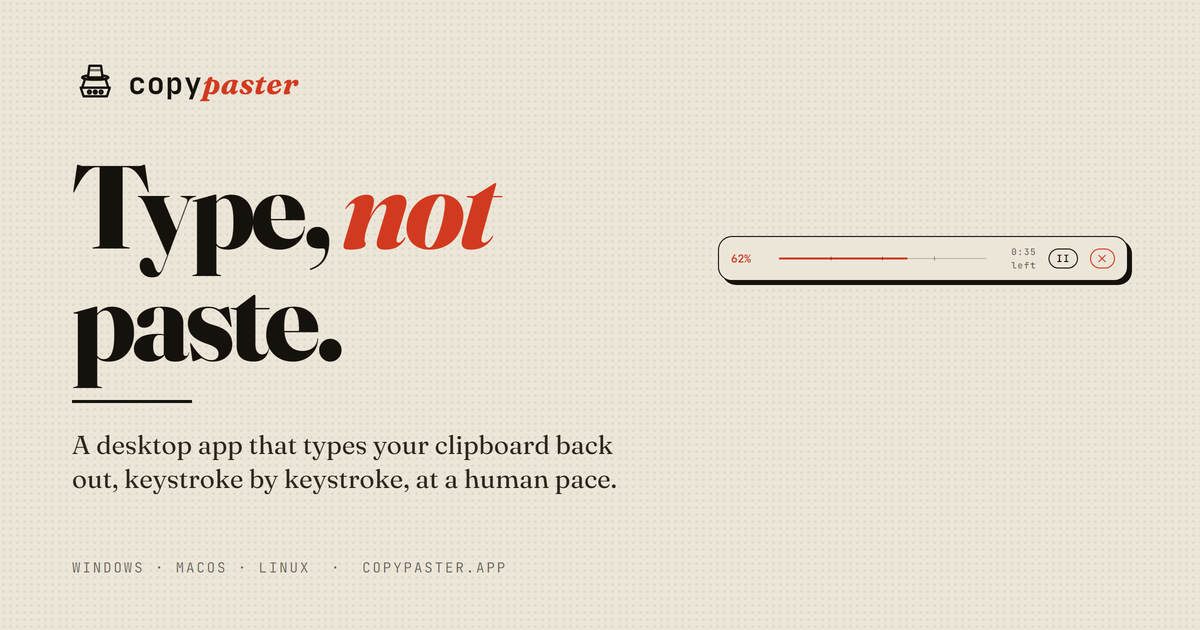
copypaster is a cross-platform desktop utility that takes a block of text and enters it into whichever application has focus, as simulated keystrokes rather than a clipboard paste. It is useful for entering text you are authorized to submit into forms and remote desktop sessions, such as Citrix or VMware Horizon, that do not accept pasted input, where the alternative is retyping your own notes by hand. It is also used to produce natural-looking typing in screencasts and product demos, and to reduce sustained typing effort for people with RSI or limited hand mobility. Typing speed is configurable, defaulting to 65 words per minute and going up to roughly 250. Timing is modelled on real typing: intervals vary between keystrokes, there are short pauses at sentence and paragraph boundaries, common words come out in faster bursts, and very long passages slow gradually. An optional realism mode adds occasional typos that are corrected with backspace, intended for natural-looking typing on camera. All of that can be switched off for plain, steady output. The app runs as a small always-on-top pill. Paste text, press play, and after a short countdown it types into the focused window, with a progress bar and estimated time remaining, and pause and stop at any point. A code mode adjusts output for programming editors. Windows, macOS and Linux. The trial covers five typing runs, after which a license is required.
03 / Video
Demo
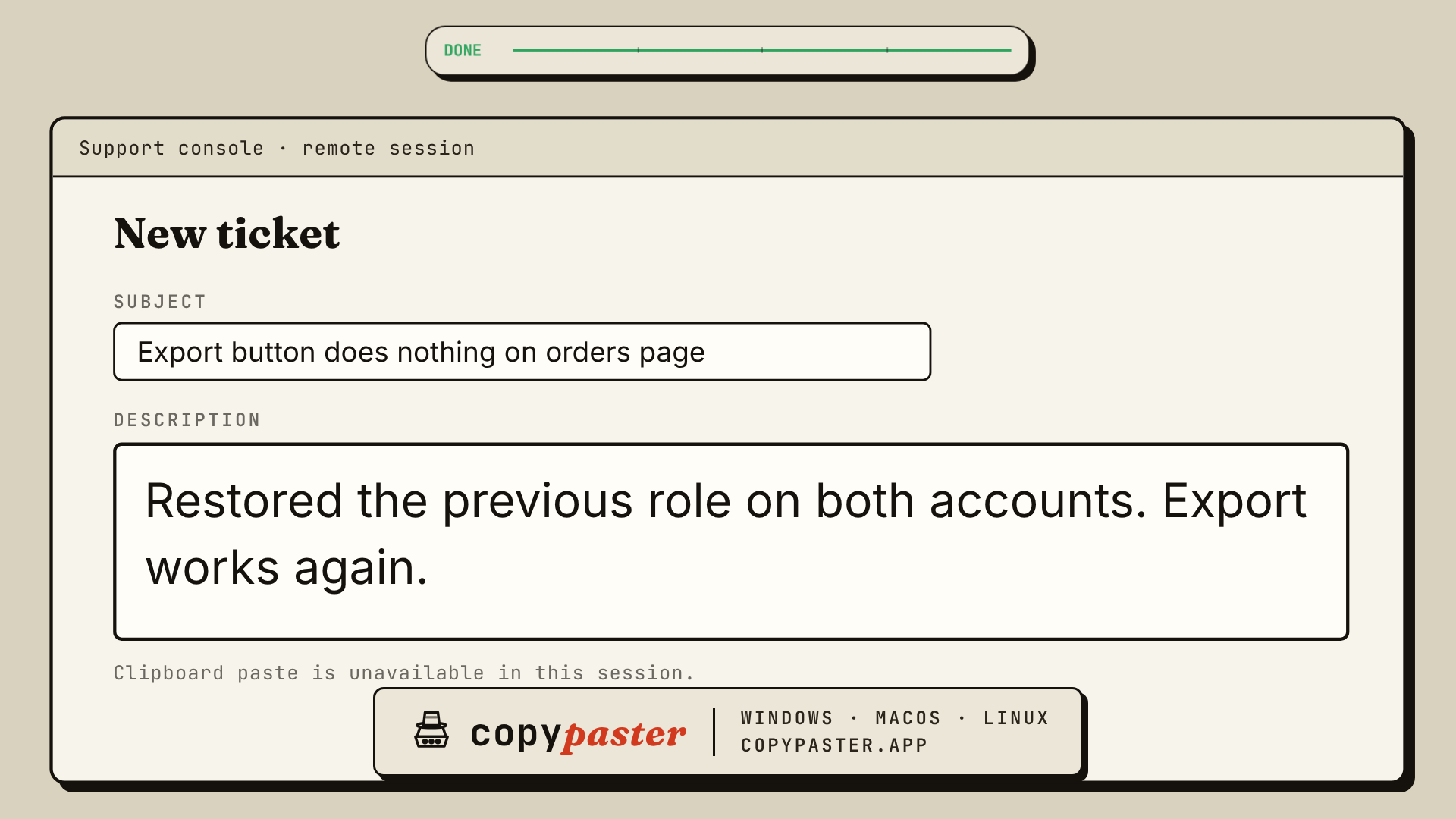
20 seconds, 1920x1080, silent, captions burned in. The typing is the real engine at 65 WPM.
04 / Images
Listing images
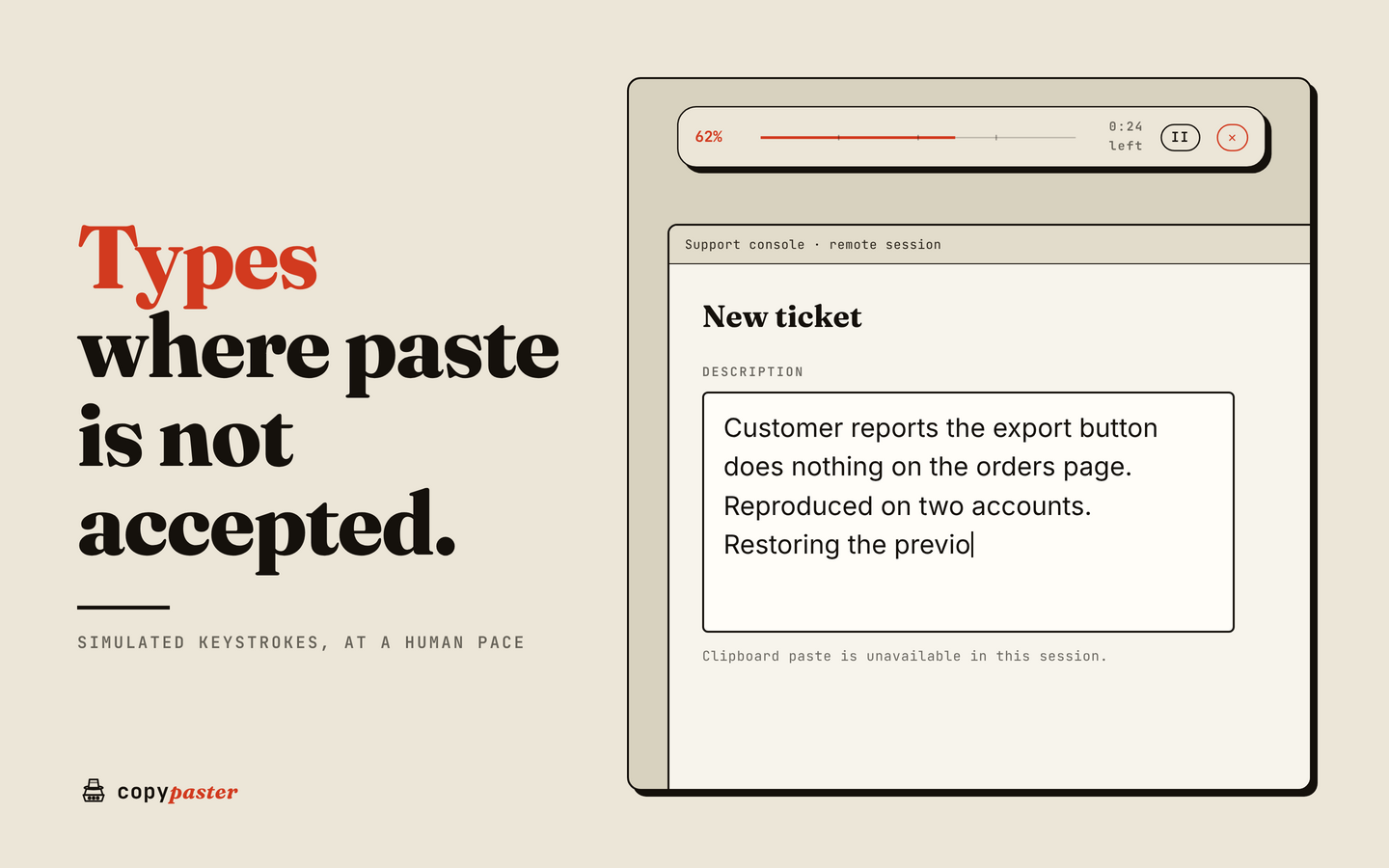
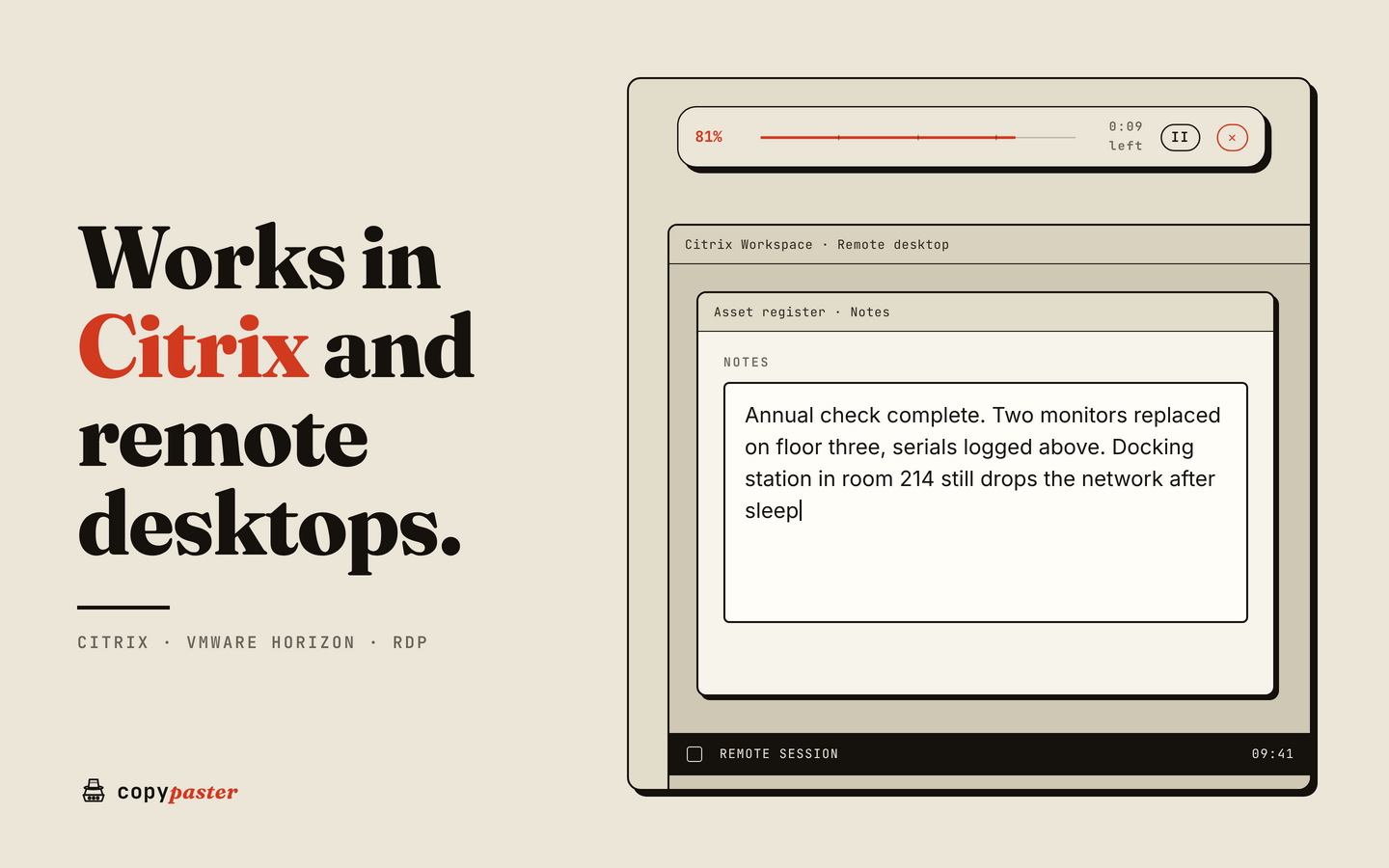
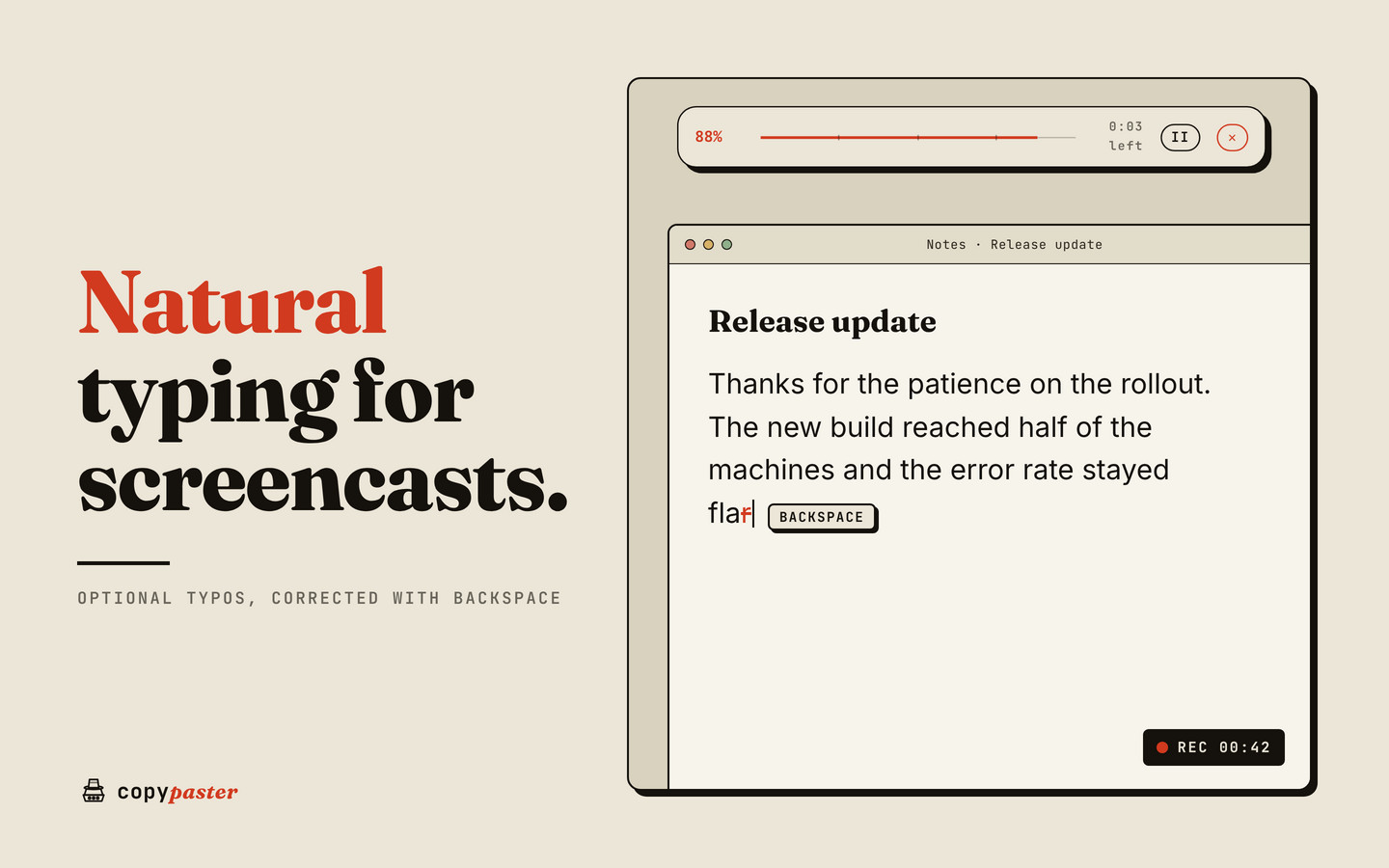
1440x900 PNG, each with one short headline. Shot 1 works best as the lead image.
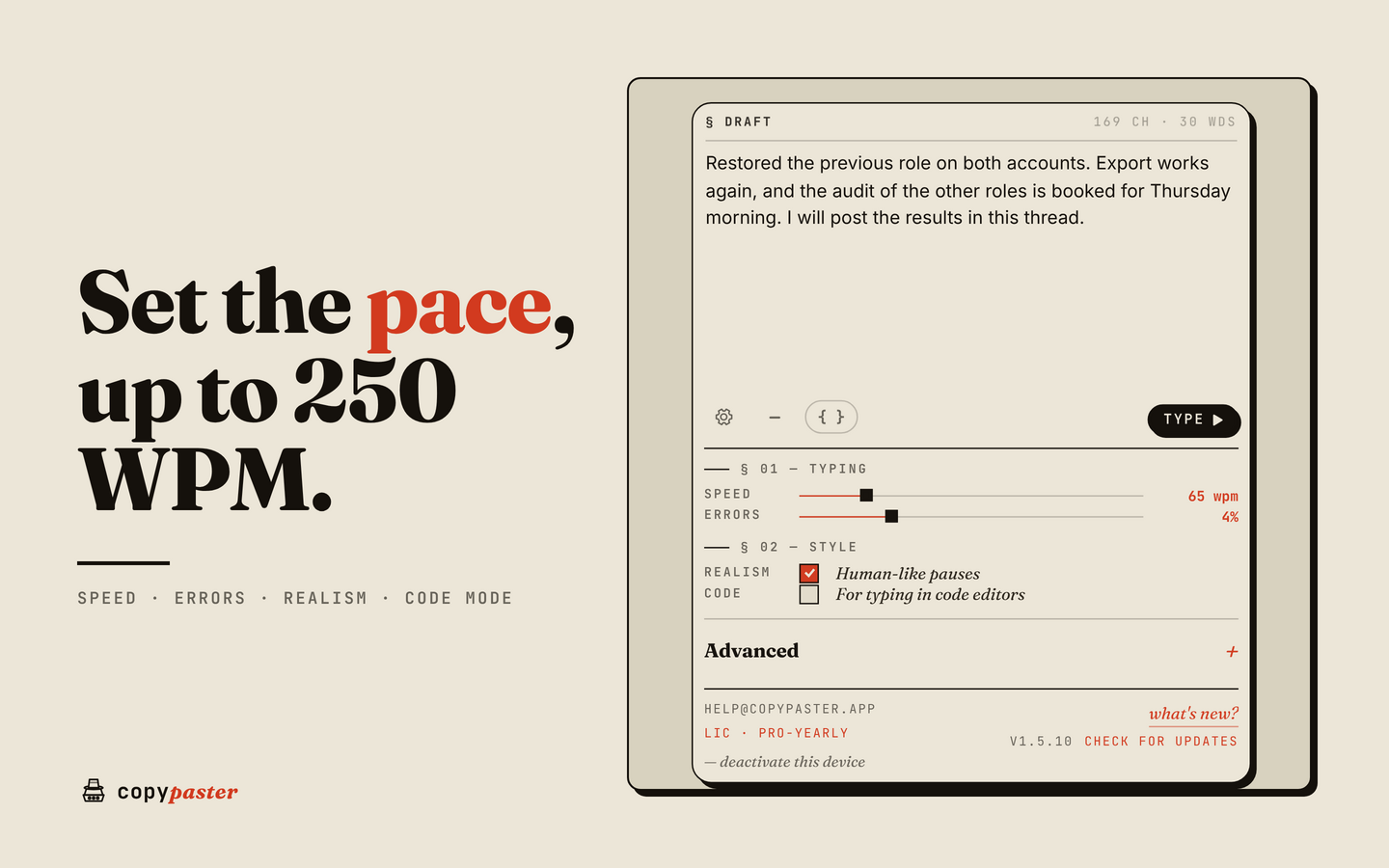
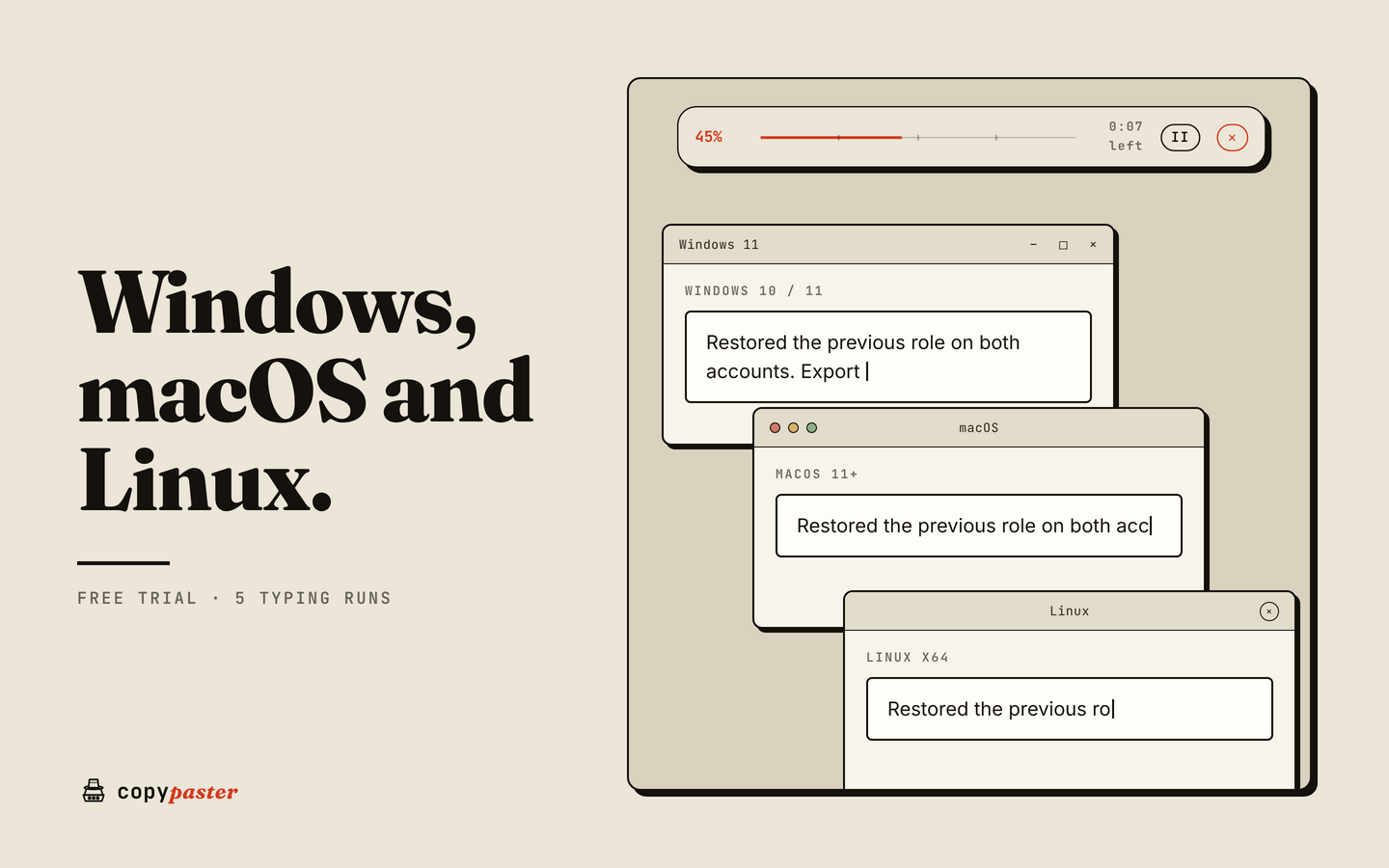
App screenshots
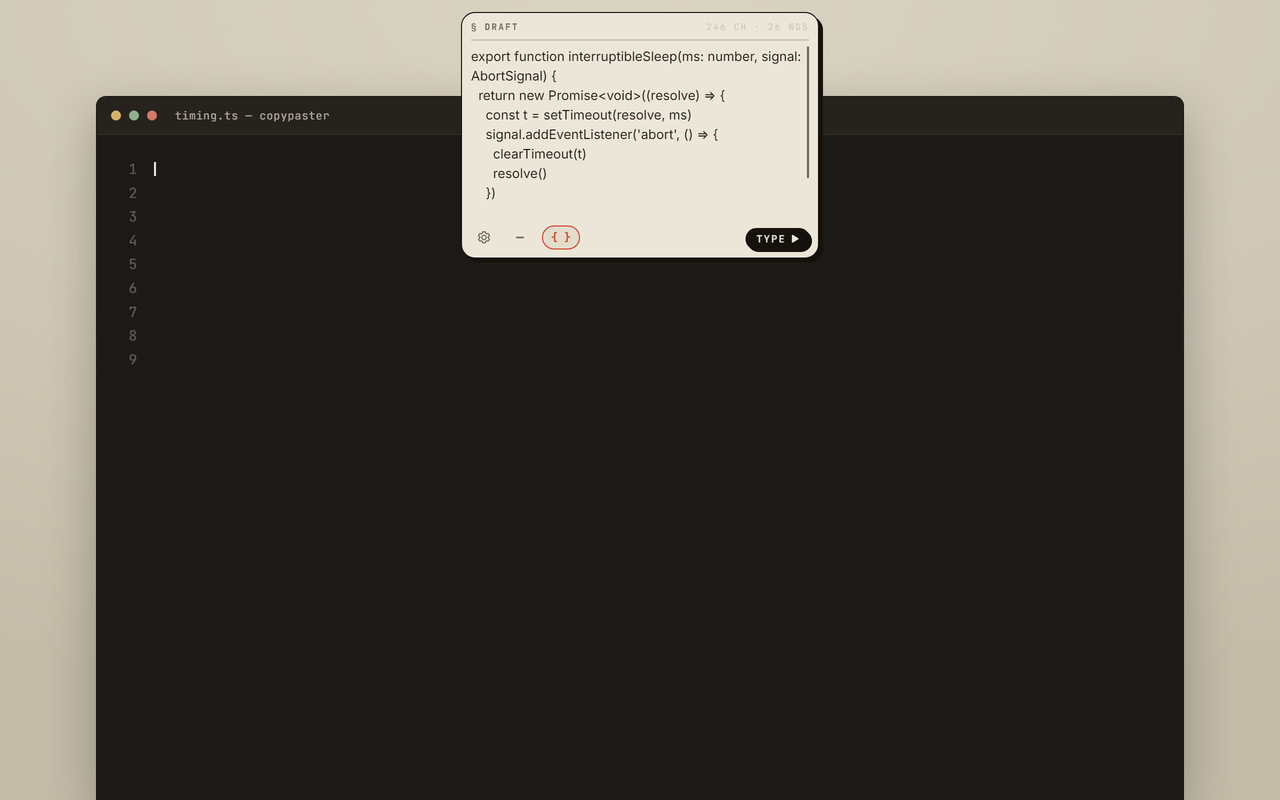
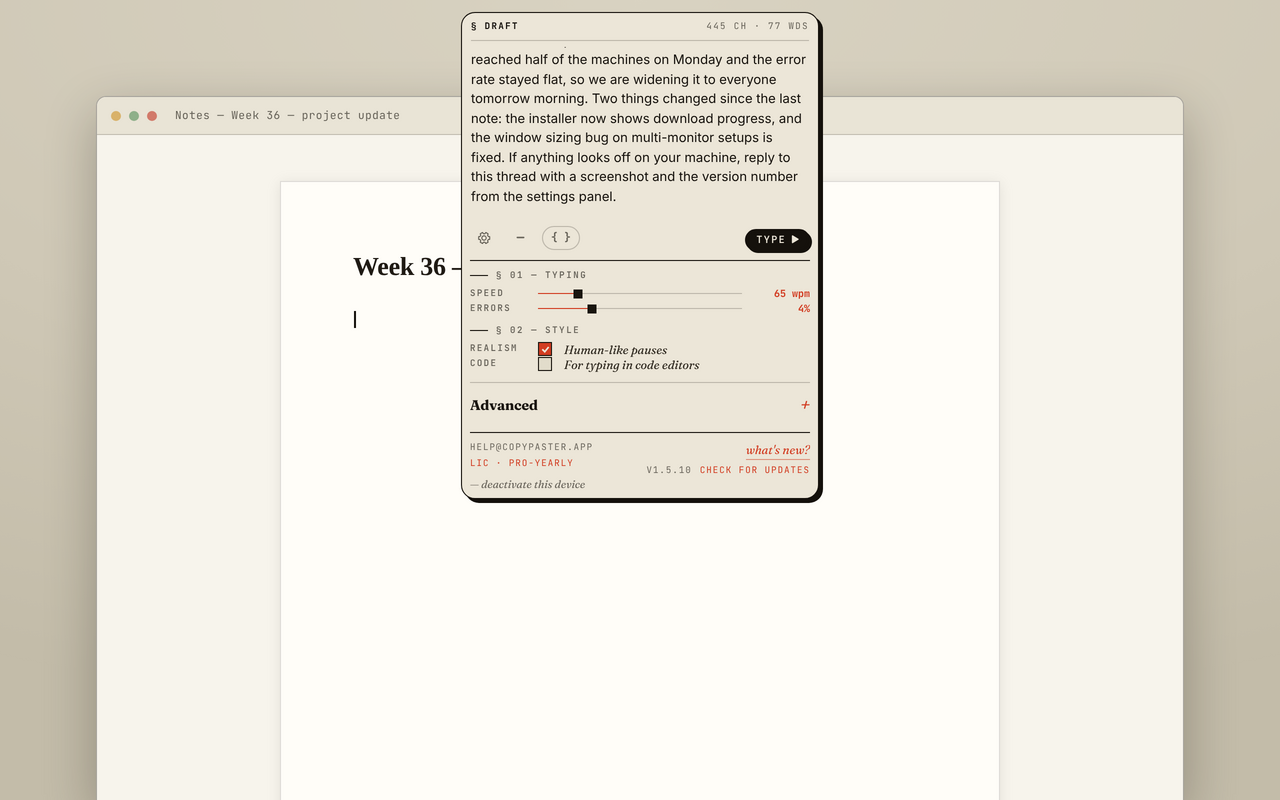
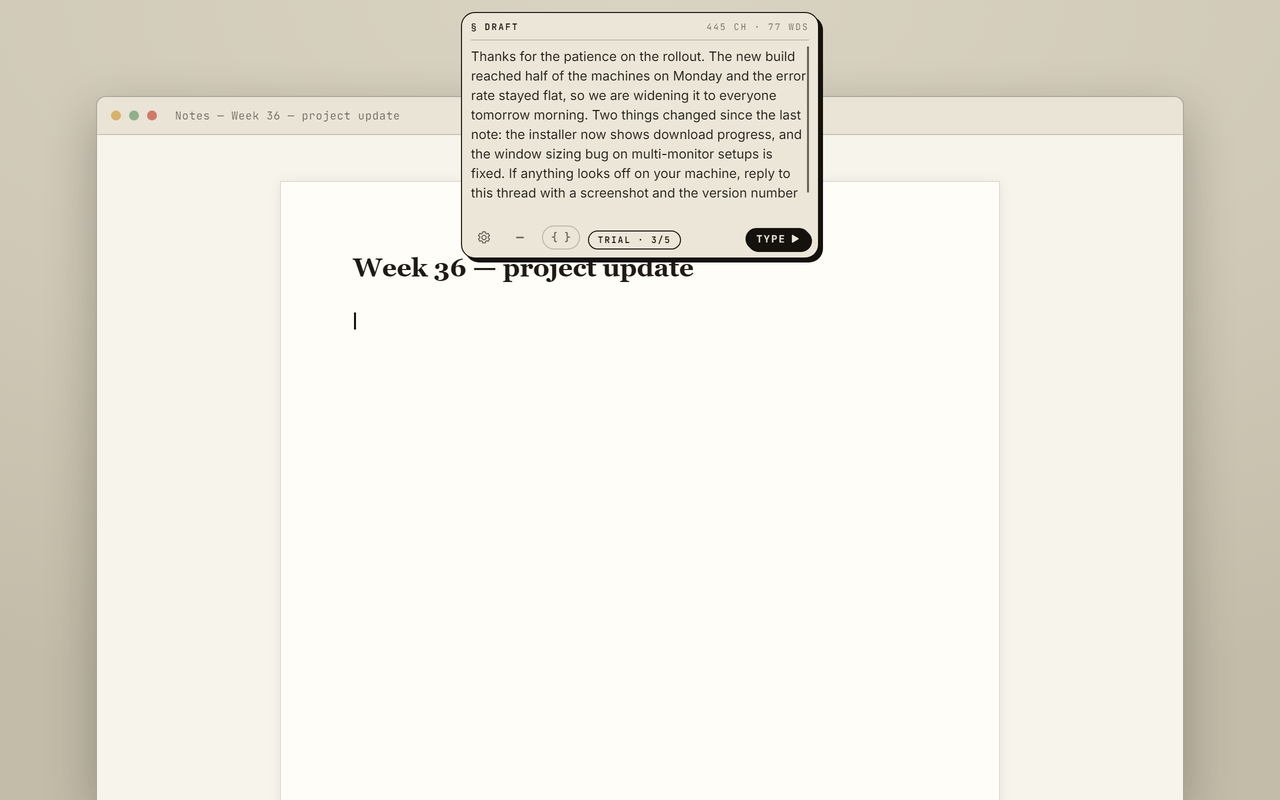
1280x800 PNG of the real interface, no headlines.
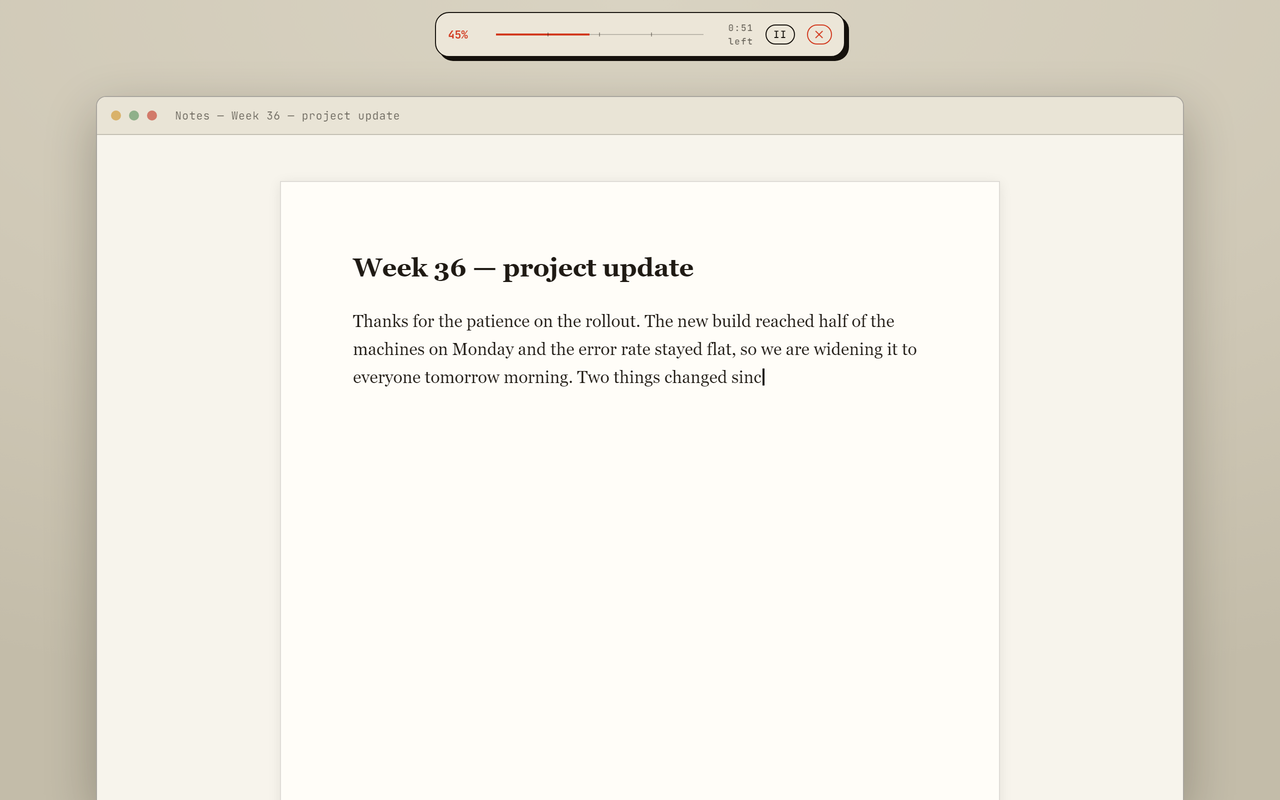
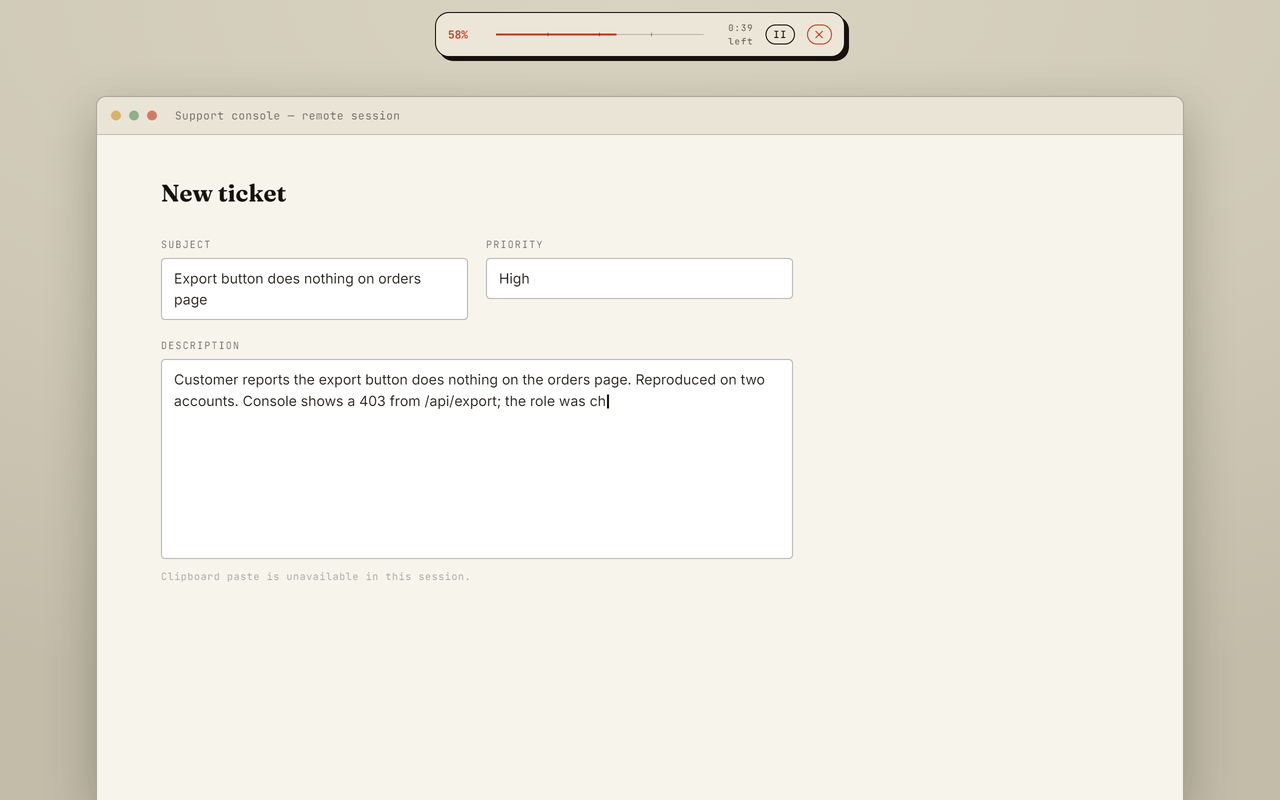
05 / Brand
Logos
Please do not recolour, stretch or add effects to the mark.


Colours and type
Warm paper, near-black ink and a single vermilion accent. Headlines in Fraunces, labels in JetBrains Mono.
06 / Contact
Get in touch
- Questions, interviews or a review licence: [email protected].
- Reviewers get a full licence on request, so you can test past the five-run trial.
- The Windows installer is not code signed yet, so SmartScreen shows an "unrecognized app" warning on first run. The macOS build is signed and notarized.